Choosing and Using a Baby Monitor Safely
The monitor type you choose matters less for safety than where and how you install it. Here's both halves of the decision.
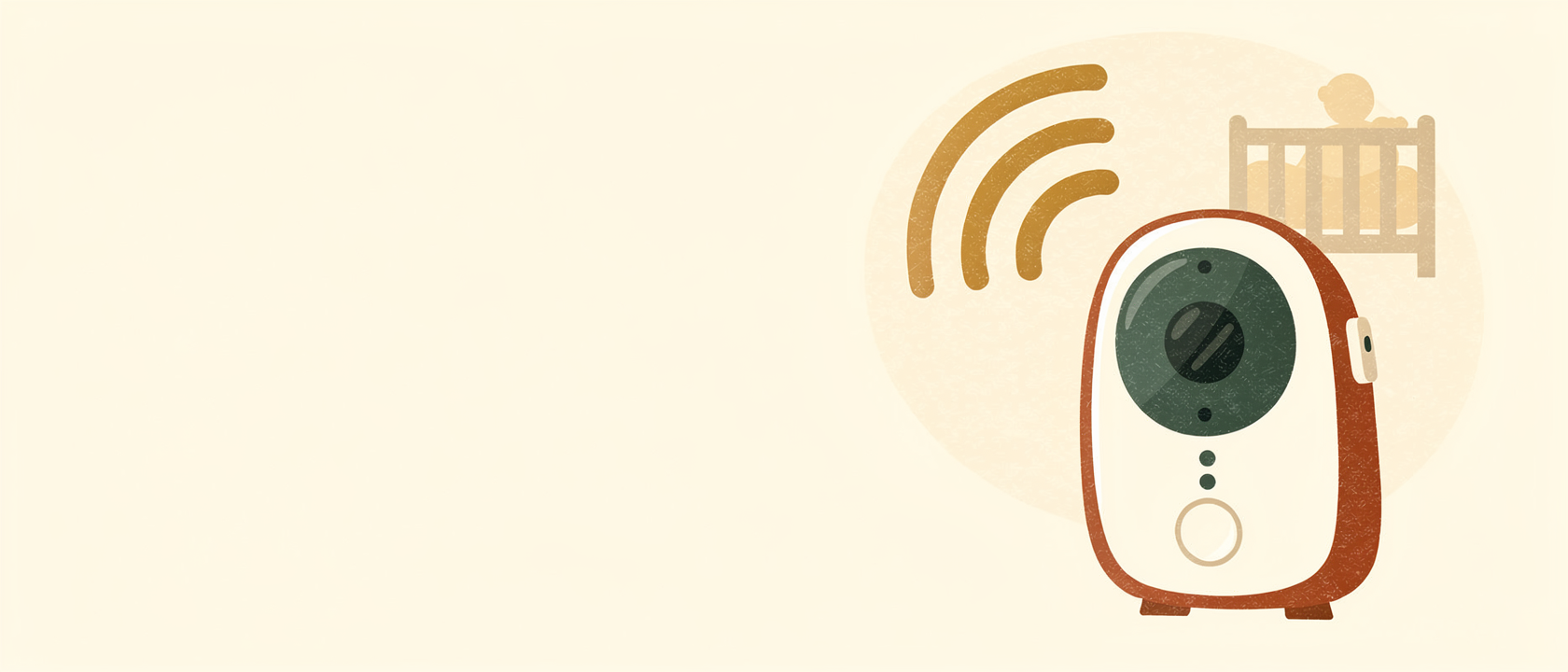
A baby monitor is a peace-of-mind product more than a safety device in the medical sense — safe sleep practices (back sleeping, clear cot, right room temperature) do the actual risk reduction. That said, monitors genuinely help you respond faster and worry less, and the type you pick changes what you're actually getting.
The three main types
Audio monitors
Simplest and cheapest: you hear your baby, nothing else. Good battery life, minimal setup, and no camera privacy considerations. The obvious limitation is you can't see what's actually happening — whether they're stirring, stuck, or genuinely distressed.
Video monitors
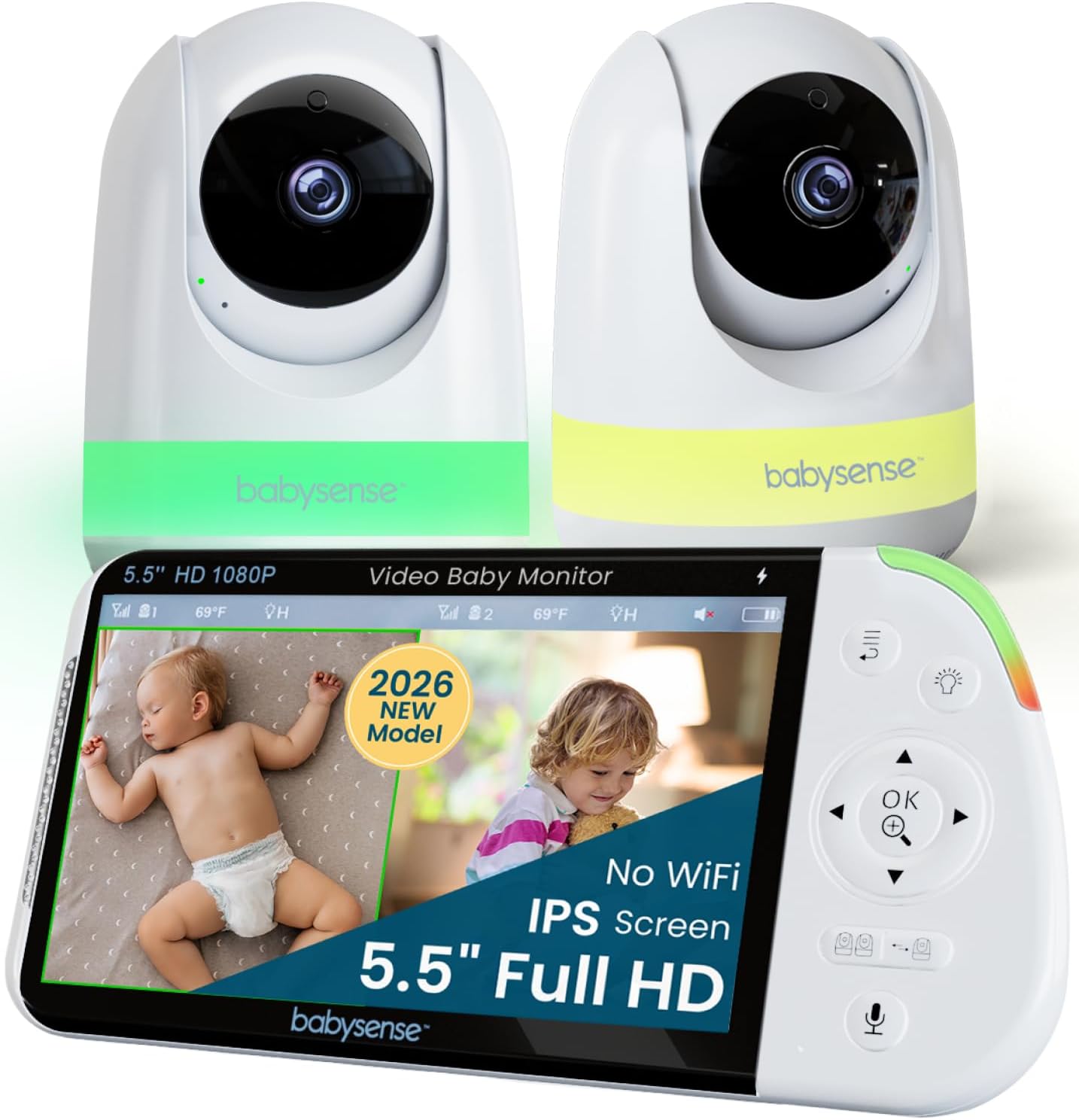
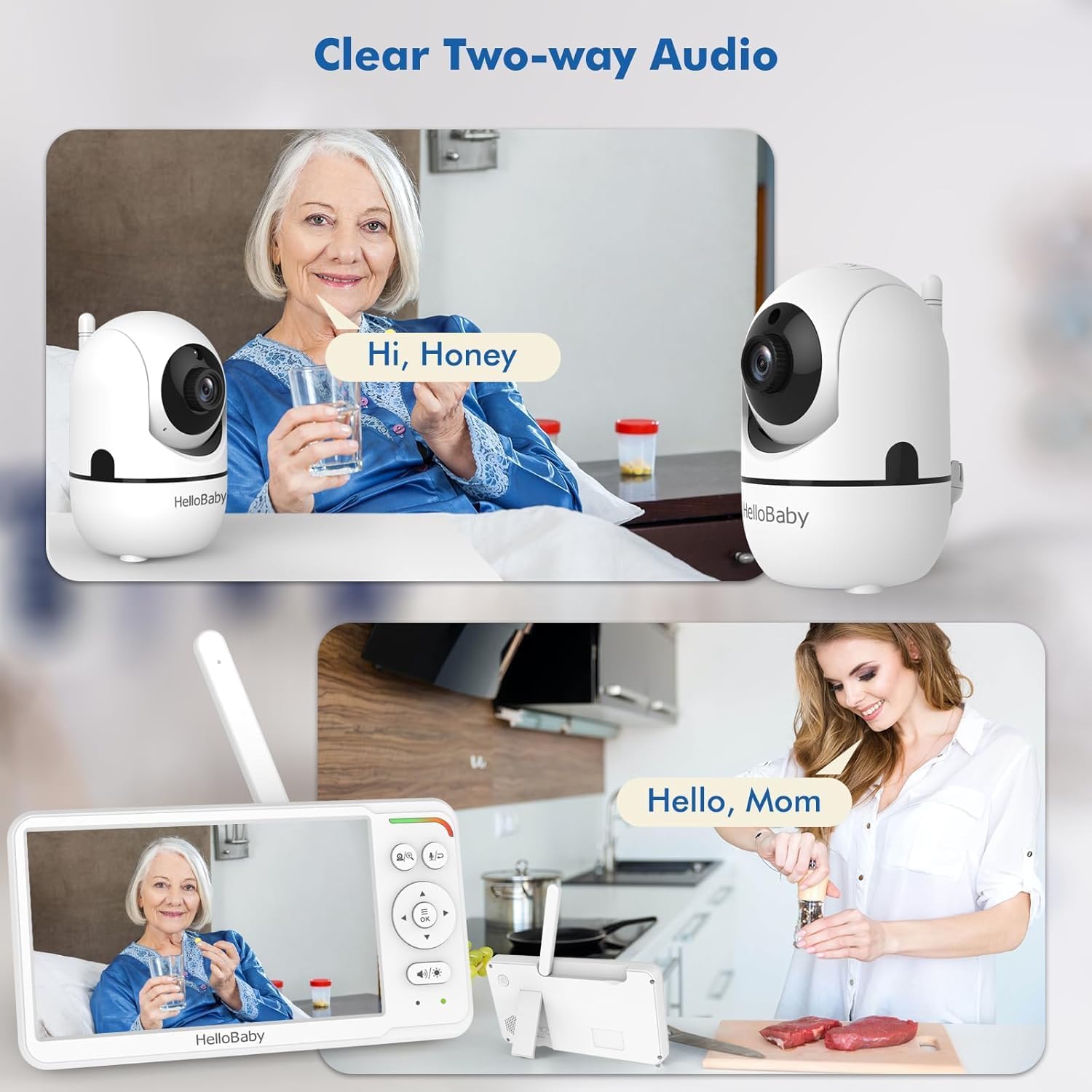
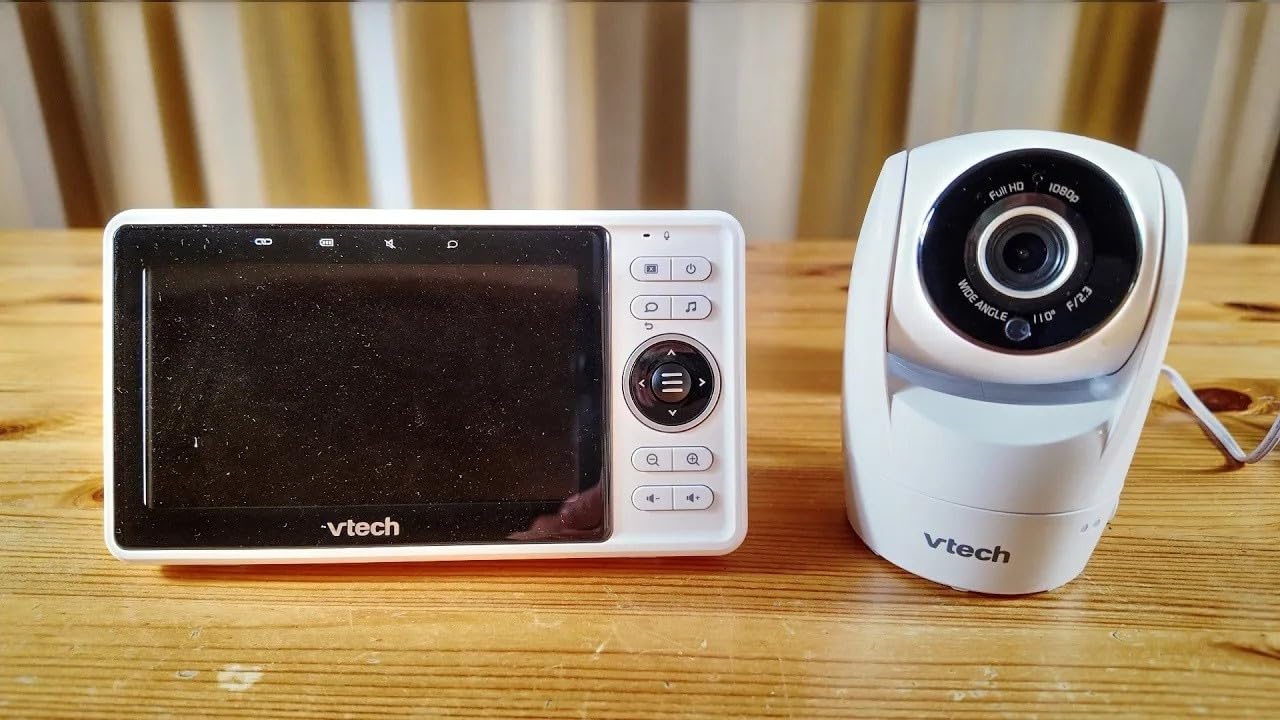
Adds a camera and screen (or app), typically with night vision, sometimes two-way audio and temperature readout. This is the most popular category now (products like Motorola's Smart Nursery Cam or VTech's RM7754HD), because it removes the guesswork audio-only leaves.
Movement/breathing monitors
Sensor pads or wearables that track movement or breathing and alert if it stops for an unusual length of time. Worth knowing: the NHS and most paediatric bodies don't recommend these as a substitute for safe sleep practice, and they're not proven to reduce SIDS risk — they can offer reassurance to some parents, but shouldn't change how you approach the fundamentals of safe sleep.
Wi-Fi-connected monitors: the trade-off
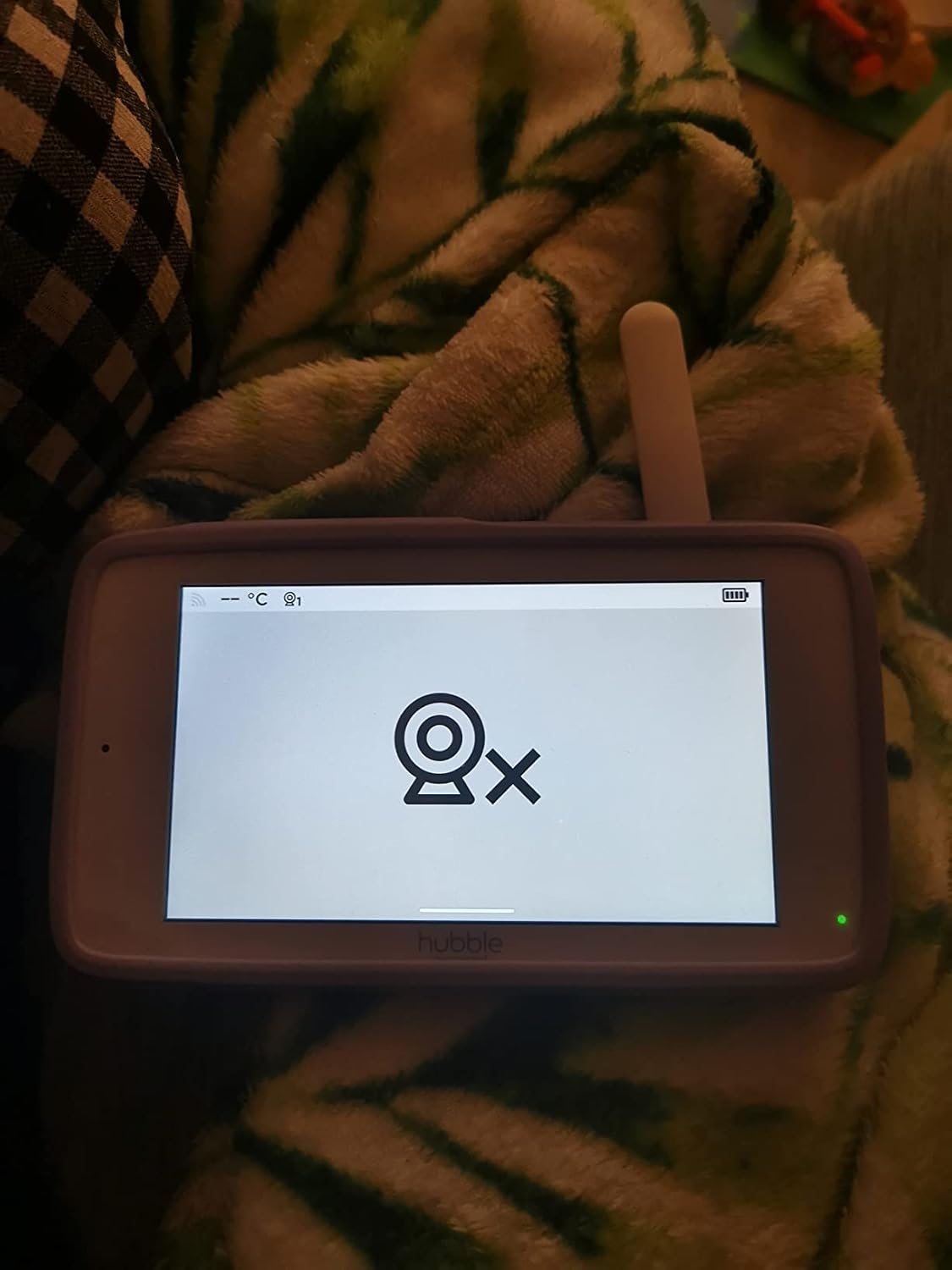
App-based monitors (like Nanit Pro or Hubble's Nursery Pal Glow) let you check in remotely from anywhere, which many parents find genuinely useful. The trade-off is a subscription for advanced features on some models, and it's worth checking a monitor's security track record and using a strong, unique password, since internet-connected cameras are a known target for opportunistic hacking if left with default credentials.
The safety rules that matter more than which monitor you buy
- Never place a monitor, or its cable, inside the cot or within a baby's reach — cords are a strangulation risk. Mount or place monitors at least 1 metre from the cot.
- Route cables along the wall, not across the floor near the cot, and out of reach even as your baby starts pulling up on furniture.
- Check the monitor's stated range works for your home's layout before relying on it overnight.
Mentioned in this guide
Frequently asked questions
Do movement monitors prevent SIDS?+
No — there's no strong evidence they reduce SIDS risk, and following safe sleep guidance (back sleeping, clear cot, room sharing) remains the effective protection. Movement monitors are a reassurance tool, not a substitute.
How far should a monitor cable be from the cot?+
At least 1 metre, and ideally mounted rather than placed loose, to remove any chance of the cable reaching into the cot as your baby grows and moves.
Is a video monitor worth the extra cost over audio?+
For most parents, yes — being able to see rather than just hear removes a lot of unnecessary checking-in trips, though it comes down to personal preference and budget.
Sources

Written by
Sepehr
Software engineer, soon-to-be dad, uncle to four — the tech-obsessed half of the two of us testing this stuff. Currently building this site with my wife, ahead of our own baby arriving.